Glean vs Guru: Which Knowledge Management Tool Fits Your Needs?
Compare Glean and Guru for effective knowledge management.
Explore Glean and Guru for knowledge management. Compare features, pricing, and security to find the best fit for your business needs.
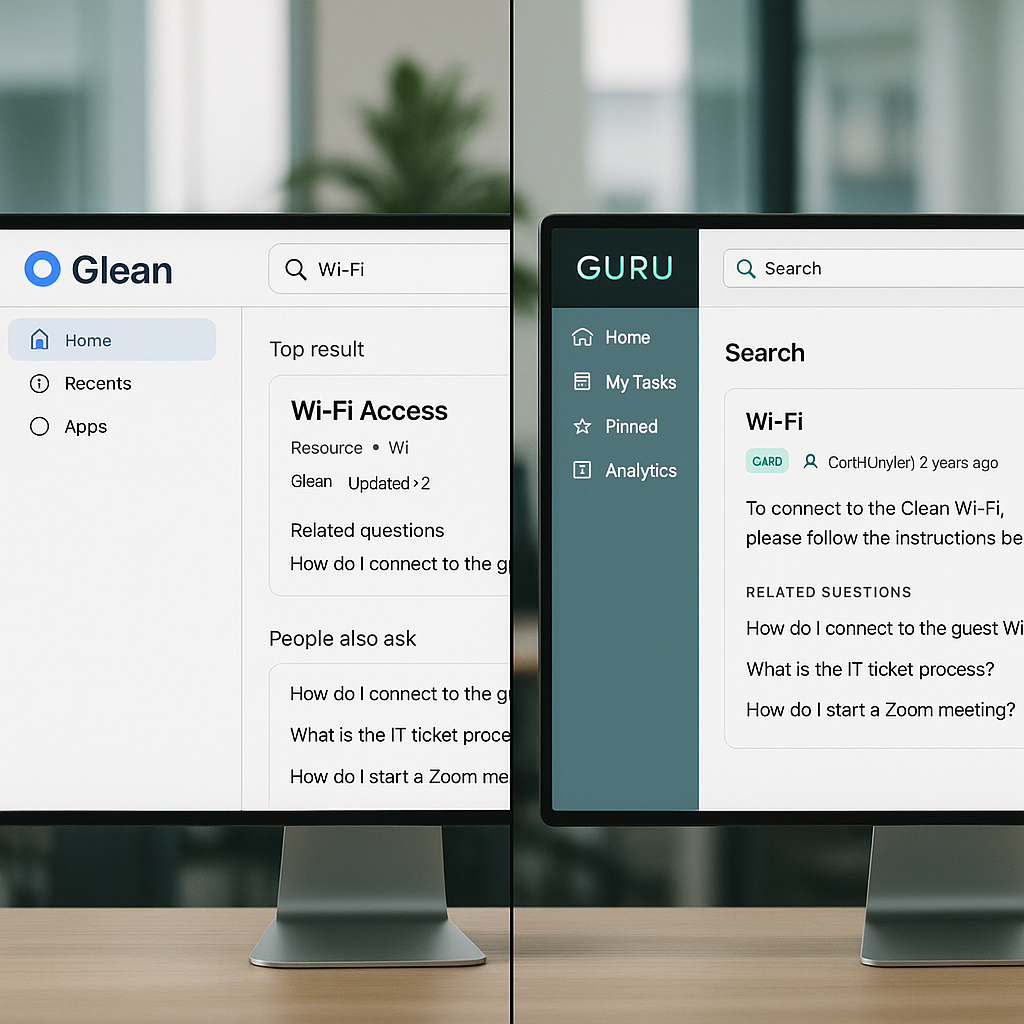
Choosing the right knowledge management tool is crucial for businesses aiming to streamline information access and enhance productivity. Glean and Guru are two leading platforms that offer robust solutions, but they cater to different needs. This article compares their features, pricing, and security to help you decide which tool is best for your organization.
What Are Glean and Guru?
Glean and Guru are knowledge management platforms designed to help businesses organize and access information efficiently. Glean is known for its enterprise-level capabilities, while Guru offers a more self-serve approach suitable for smaller teams.
Features Comparison
Glean's Features
Glean provides comprehensive integration with multiple data sources, including Microsoft SharePoint, OneDrive, Google Drive, and more. It offers advanced search capabilities, allowing users to find information quickly across various platforms.
Guru's Features
Guru focuses on ease of use and quick setup, making it ideal for smaller teams. It integrates with popular tools like Slack and Microsoft Teams, providing in-context information access without leaving the chat interface.
Pricing and Onboarding
Glean's Pricing
Glean is tailored for enterprise clients, offering customized pricing plans based on the number of users and integrations. Its onboarding process is comprehensive, ensuring a smooth transition for large organizations.
Guru's Pricing
Guru offers a more straightforward pricing model with tiered plans suitable for small to medium-sized businesses. Its self-serve onboarding allows teams to get started quickly without extensive IT support.
Security and Permissions
Glean's Security
Glean provides granular permission settings, allowing organizations to control access at a detailed level. It supports per-tenant grants and connector access as its own permission code, ensuring data security.
Guru's Security
Guru also offers robust security features, including role-based access controls and data encryption. Its permission settings are designed to be user-friendly, making it easy for smaller teams to manage.
Which Should You Choose?
If your organization is large and requires extensive integration capabilities, Glean is the better choice. Its enterprise-level features and comprehensive onboarding make it suitable for complex environments. However, if you're a smaller team looking for a quick and easy setup, Guru's self-serve model and straightforward pricing make it an excellent option.
If you are a small business that mainly needs answers from your own documents, SoftSolz Knowledge Hub is a third option: it answers questions from your PDFs, Word files and recordings, cites the exact file and page, and is included in every SoftSolz plan, including the free one.
FAQ
What is the primary difference between Glean and Guru?
Glean is designed for enterprise-level integration and customization, while Guru offers a more straightforward, self-serve approach for smaller teams.
Can Glean integrate with Microsoft tools?
Yes, Glean integrates with Microsoft SharePoint, OneDrive, and other Microsoft tools, providing seamless access to information.
Is Guru suitable for large organizations?
While Guru can be used by larger organizations, it is primarily designed for small to medium-sized businesses due to its ease of use and quick setup.
How does Glean ensure data security?
Glean offers granular permission settings, per-tenant grants, and connector access as its own permission code to ensure data security.
What are the pricing models for Glean and Guru?
Glean offers customized pricing for enterprise clients, while Guru provides tiered plans suitable for small to medium-sized businesses.
Can Guru integrate with communication tools?
Yes, Guru integrates with tools like Slack and Microsoft Teams, allowing users to access information directly within the chat interface.
Discussion
Loading responses…